Digital workflow
How to Send an iTero Scan to a Dental Lab
iTero intraoral scanners allow dental professionals to send a digital impression to a compatible dental laboratory without shipping a physical impression.
Digidental accepts cases from the iTero ecosystem as part of our digital workflow. If your clinic would like to send its first iTero case to Digidental, contact our team to obtain the connection information required to work with our laboratory.
Once the case is transmitted, our team can review the information received before continuing with the laboratory workflow.
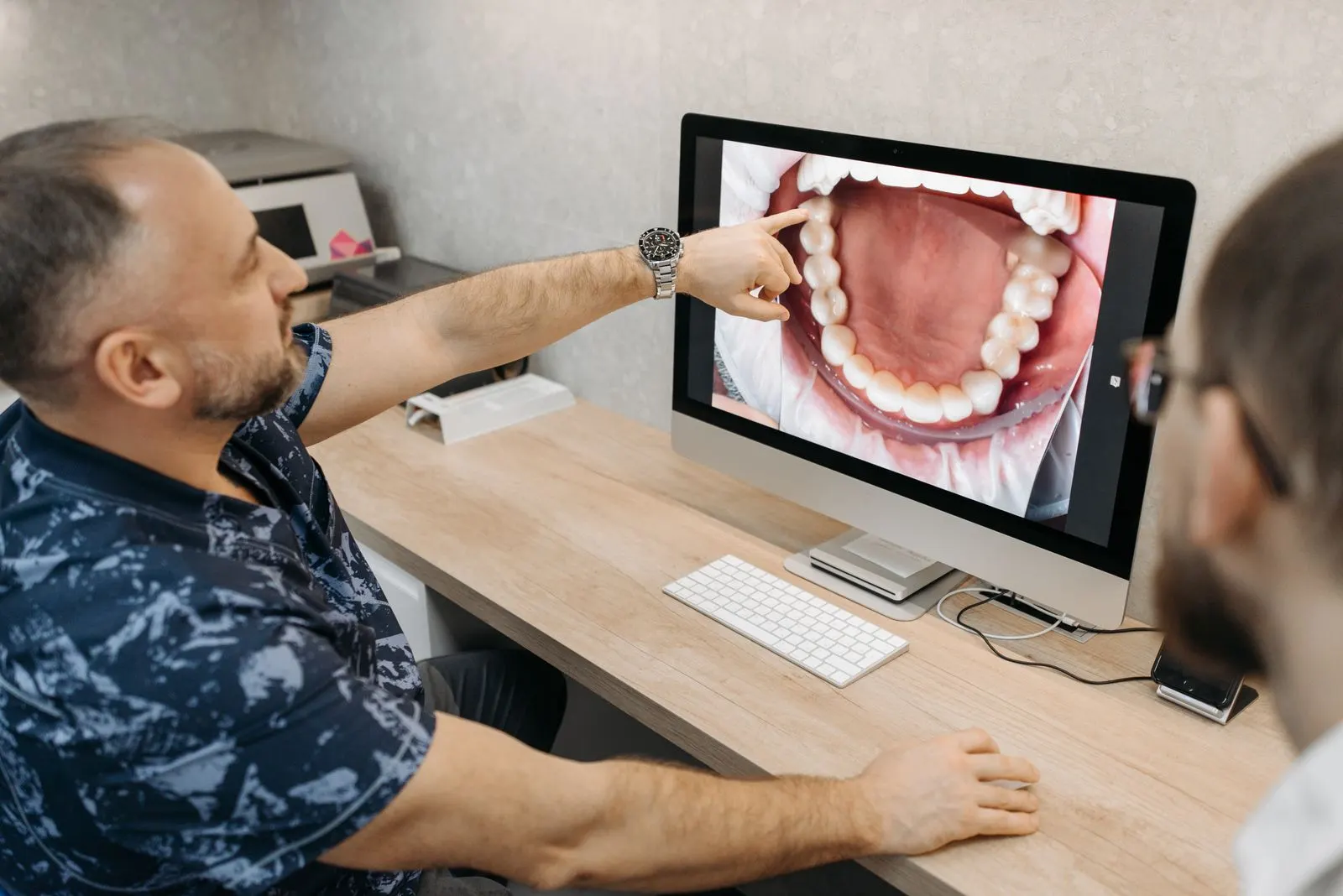
How does sending an iTero case to a dental lab work?
The process generally involves four main steps.
1. Scan the case with your iTero scanner
The treating professional captures the digital impression according to the clinical requirements of the case.
Depending on the restoration, this may include the required arches, occlusion and other information needed for the prescription.
Before sending the case, verify that the areas required by the laboratory have been adequately captured.
2. Connect your clinic with the laboratory
To send a digital case, the clinic needs to be connected with the selected laboratory within its iTero environment.
If your clinic is working with Digidental for the first time, contact our team for the required connection information.
We prefer to provide this information directly to clinics rather than publish connection identifiers on the website so we can provide current information and confirm the appropriate process.
3. Complete the case information
The digital impression is an important part of the case, but the laboratory also needs to understand what is being prescribed.
Make sure the prescription contains the information required for the case.
Depending on the restoration, this may include:
- the requested restoration or appliance;
- the tooth or teeth involved;
- requested material or characteristics, when applicable;
- shade and relevant esthetic information;
- special instructions for the technician;
- other documentation required for the case, when applicable.
Requirements can vary between a crown, implant restoration, nightguard or denture.
If you are unsure, the Digidental team can help confirm the information required before production begins.
4. Send the case to the laboratory
Once the scan and case information are complete, the clinic can transmit the case to the laboratory through its iTero workflow.
The MyiTero platform allows compatible laboratories to receive, review and manage digital scans sent by dental professionals.
At Digidental, receiving the case begins the process of verifying the information required for production.
What does Digidental check after receiving the scan?
For products covered by our detailed quality-control process — including crowns, nightguards and dentures — the first stage is case and input verification.
Our team checks whether the scan or impression provides the information required to design and manufacture the prescribed product.
If the information received is insufficient to proceed appropriately, we contact the clinic before production rather than continue with incomplete information.
This early review also facilitates communication between the clinic and laboratory when additional information is required.
Why use a digital workflow with your dental lab?
A digital workflow allows case information to reach the laboratory without waiting for the physical transportation of an impression.
MyiTero allows compatible laboratories to review received digital scans and manage cases within a digital environment.
At Digidental, the digital case can then move into the appropriate design and manufacturing workflow based on the restoration or appliance being requested.
Does Digidental only accept iTero scans?
No.
Digidental works with several scanning ecosystems used by dental clinics, including:
- iTero
- 3Shape TRIOS
- Medit
- Carestream / DEXIS
- Dentsply Sirona Primescan
We also accept several digital file formats, including STL, PLY, OBJ and DCM, depending on the workflow being used.
If your system is not listed, contact our team to confirm the best way to send us your case.
What if my clinic does not have an intraoral scanner?
You can still work with Digidental.
We accept conventional impressions and physical models.
When a conventional impression is received, we can first pour the impression to create a model and then digitize the model using our laboratory scanner.
An existing physical model can also be scanned directly.
This allows clinics to work with Digidental whether they already use a fully digital workflow or continue to use conventional impressions for certain cases.
What types of cases can be sent to Digidental?
Digidental provides laboratory services including:
- dental crowns;
- dental bridges;
- implant restorations;
- nightguards and occlusal splints;
- dentures;
- orthodontics and custom appliances.
The appropriate workflow depends on the requested product and case requirements.
For complex cases, dental professionals can also communicate directly with a technician to discuss case requirements.
What should you do before sending your first iTero case to Digidental?
If your clinic has never sent an iTero case to Digidental, start by contacting our team.
We can provide the information required to connect your clinic with the laboratory and help confirm the appropriate workflow for your case.
Related resources
Frequently asked questions
Does Digidental accept iTero scans?
Yes. Digidental accepts cases from the iTero ecosystem as well as several other intraoral scanning systems.
How do we connect Digidental to our iTero environment?
Contact Digidental for the required connection information. We prefer to provide this information directly so we can give your clinic the appropriate and current details.
Which digital file formats does Digidental accept?
Digidental accepts STL, PLY, OBJ and DCM files. The method used to send the files may vary depending on the scanner and type of case.
Can I send a conventional impression instead of a scan?
Yes. Digidental accepts conventional impressions and physical models. A conventional impression can be poured to create a model, which can then be digitized at the laboratory.
Can I speak directly with a technician?
Yes. For complex cases or when technical discussion is required, Digidental allows dental professionals to communicate directly with a technician.
Ready to send your next case?
Whether you use iTero, TRIOS, Medit, DEXIS, Primescan or a conventional workflow, our team can help confirm the best way to send your case.